hardware compatibility pages for the list of compatible hardware)
• you are using a mobile / removable rack or enclosure with hard disk inside
• you are using notebook computer
• you are using server or desktop computers with high disk load
• you want to maximize system stability, HDD performance and overall integrity, receive HDD alert on high temperature or low health
• you do not want to lose your sensitive and valuable data, do not want to pay for HDD recovery
It is much better to avoid HDD failure than use HDD recovery. Be alerted and prevent HDD data loss with HDSentinel ! Be your HDD life healthy.
What is new in Hard Disk Sentinel 4.00 (1/2/2012)
Improvements and new features:
•Portable version: runs without installation and without modification of local system
•Disk menu -> Online Warranty Check: verify drive warranty status on manufacturer website
•Configuration -> Advanced options: option to change data folder location
•option to enter comment (tag) for each hard disks
•option to copy single line to clipboard from "Information" page after right-click popup menu
•hard disk surface test improvements
•option to export transfer rate values after surface test
•last detection timestamp displayed on the bottom status line
•added /TXTREPORT [filename], /HTMLREPORT [filename] command line parameters to quickly save complete report
•Reset workload counters function for Intel SSD
•displaying lifetime reads / writes for specific hard disks with support (Seagate, Hitachi, Toshiba)
•option to automatically re-adjust advanced power management / acoustic management settings on startup if required
•added Belarusian language support (translated by Yuri Petrashko)
•added digital signatures to files
Improved hardware support:
•added support for DELL RAID controllers
•added support for HP USB external drives
•added support for Marvell 63xx/64xx SAS RAID controllers (detection of SAS hard disk drives in RAID array)
•improved support and attribute list for Sandforce SSD, Samsung SSD, Intel SSD models
•improved support for Crucial SSD, Kingston SSD
•improved support for USB hard disk drives and USB adapters
•improved compatibility for Marvell SATA controllers
•improved SCSI/SAS hard disk drive support: advanced health calculation, power on time display, test log
•improved detection of hard disk power state
•improved short / extended self test starting on Windows 7
•improved advanced power management / acoustic management configuration
•improved support for RAID 10 arrays on LSI controllers
•improved RAID support under Windows 2003 x64
•improved functionality after waking up from standby with some USB hard disk drives
•detecting drives A: and B: if they are associated with hard disks / SSDs
Bug fixes, further modifications:
•using local APPDATA folder for Windows scheduler configuration files (.VBS files) under Windows Vista, 7, 2008, 8
•improved real-time performance detection
•bug fixed with tray icons under Windows 7 x64
•bug fixed with "registry-export" projects
•online attribute comparison and tray icon problems fixed with Samsung 2.5" SSDs
System Requirements
• Pentium or compatible CPU
• 32 megabytes of system memory
• 15 megabytes of hard disk space
• Windows operating system (Windows 95, 98, 98SE, ME, NT4, 2000, XP, 2003, 2008, Vista, Windows 7, Windows Home Server) both 32 and 64 bit versions
• System administrator account (in service mode, it is possible to use without administrator rights and without even user logged in)
• One or more hard disk or solid state disk with ATA (IDE or Serial ATA/SATA II), SCSI, SAS, USB interface.
USB hard disk support depends on the USB-ATA bridge chips.
Other type of external disks (USB or IEEE 1394) are NOT supported because the hard disk controller chip in the external enclosure does not support the detection of S.M.A.R.T. information.
Languages : English, Hungarian, Italian, French, Romanian, Russian, German, Chinese, Chinese (traditional), Spanish, Portuguese-Brasil and Czech
Homepage : http://www.hdsentinel.com/hard_disk_sentinel_professional.php
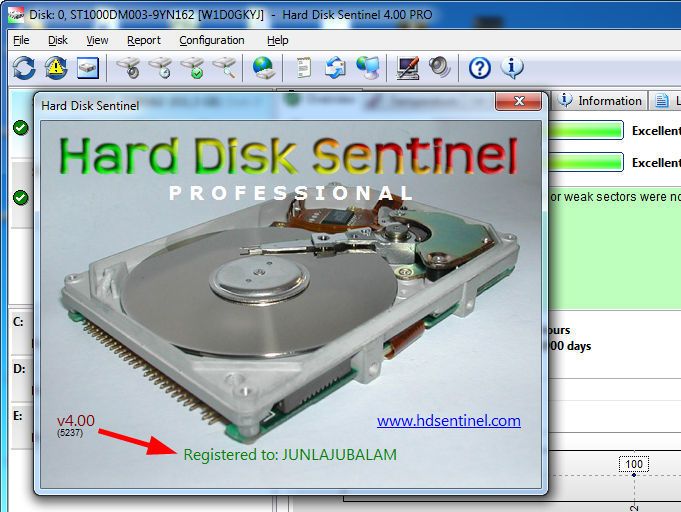 * Copy the patch in to the installation folder and run.
* Click on brain like button and see "OK" word in the patch.
* For your safety use firewall to stop internet connection of application.


![Hard Disk Sentinel Pro 4.00 Build 5237 (patch-MPT) [ChingLiu]](https://f.t0r.space/cover/3957922.webp)


