10 JUL 2026 - Back up to full speed! Let's be honest: for the last few months, TorrentFunk was painfully slow. Pages crawled, searches dragged, and just loading the site tested everyone's patience. We hunted the problem down to our network and rebuilt it from the ground up — smarter caching, a much bigger and faster connection, and a lot of fine-tuning under the hood. The difference is night and day: the site now loads in a fraction of a second. No more waiting around. Thanks for sticking with us through the slow spell. Now go discover your funk!
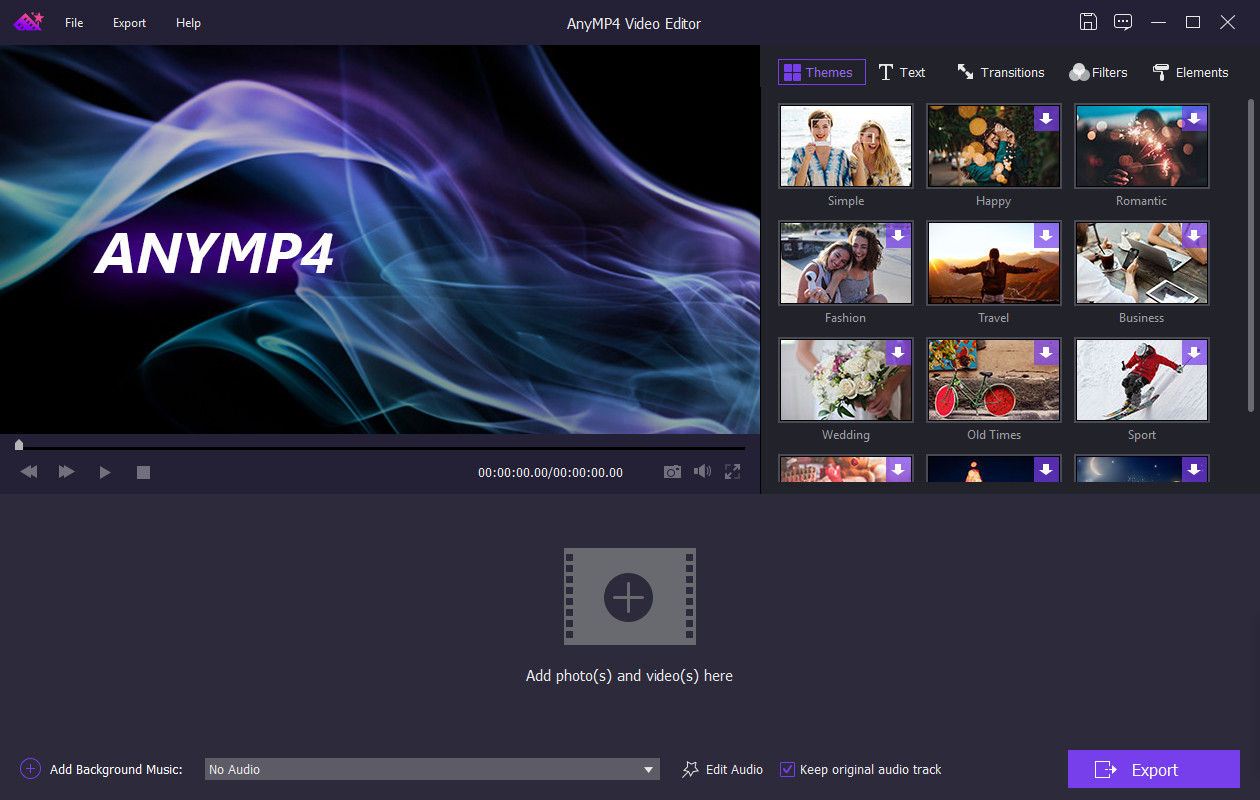
AnyMP4 Video Editor is two-in-one software for you to edit videos and make slideshow with pictures, photos, videos and music. You are easy to edit the video effects and enhance the video quality with multiple editing features. Besides, this Slideshow Creator makes it easier to build unforgettable slideshow featuring your baby's first steps, a family celebration or a party with friends. With a few clicks, your memories are transformed into Hollywood-like movies. You can share on TV, YouTube, tablets, mobile devices and more.
Powerful editing functions to edit video effects and enhance video quality.
Crop video frame
Crop video in 16:9, 4:3 or other aspect ratio. So you can adapt video to any screen or platform such as TV, computer, smartphone, or tablet.
Clip video to several segments
Clip and trim video files to remove unwanted video parts and reduce videos to the most important sections. It is up to your needs.
Rotate video
Rotate videos in the way of 90 clockwise or counterclockwise, horizontal or vertical flip for you to play video in the most comfortable way.
Adjust video brightness and contrast
You can easily adjust the brightness of a video file, and switch the difference between the darkest and lightest areas of a video.
Change video saturation and hue
You can simply change the saturation and hue of a video file or image by just moving the slide to meet your requirements.
Set video speed and volume
You are allowed to change video speed to make slow motion video or speed up video, and set the video volume to meet your needs.
How to install:
- Install the App.
- Copy "patch.exe" from patch.zip to install folder and activate the program.